
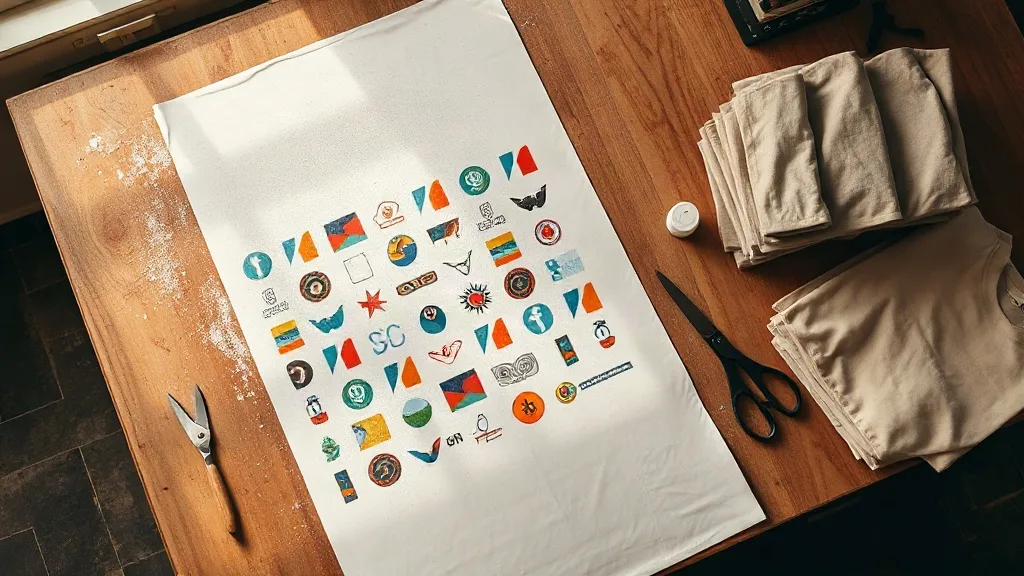
Most people who order their first DTF Gangsheet expect the hard part to be the pressing. In practice, the sheet itself decides almost everything. A gangsheet is a single printed film that holds many designs side by side, and how those designs are arranged, spaced, and color-matched on that film shapes your yield, your waste, and how fast your heat press moves through an order. Get the layout right and the rest of the process feels almost automatic. Get it wrong and you spend an afternoon trimming around graphics that bled into each other.
This guide is written for the small shop owner, the side-hustle printer, and the hobbyist who wants to stop guessing. It covers what a gangsheet actually is, the economics behind it, the file prep that matters, and the pressing habits that separate a transfer that survives fifty washes from one that peels on the second.
What a DTF Gangsheet Really Is
Direct-to-film printing lays down water-based pigment ink onto a PET film, then dusts the wet ink with a hot-melt adhesive powder. Once cured, that powder becomes the layer that bonds to fabric. A gangsheet takes this one step further by placing multiple designs on the same film, so you print, powder, and cure once instead of many times.
The appeal is not just speed. Every time you run a separate film through the printer, you pay for a fresh sheet of PET, a fresh pass of powder, and a fresh cycle of operator attention. A gangsheet amortizes all of that across dozens of small designs. That is why a shop selling bachelorette shirts, team jerseys, and pet-portrait hoodies can compete on price at all: the per-design overhead collapses.
Gangsheet vs. Single Transfer: Where the Line Sits
If you need one large back print, a gangsheet adds nothing except wasted film. The format earns its keep when you have a batch of small-to-medium graphics that share a production run. A good rule of thumb: once you have more than four or five designs under roughly 10 inches tall, packing them onto one sheet usually wins on both cost and consistency. The colors across that batch will also match more tightly, because they came off the same print head in the same pass.
The Economics: Why Sheet Layout Changes Your Margin
Film is priced by the running foot or by the sheet, and powder is consumed in proportion to inked area, not to the number of designs. That means empty space on a gangsheet is money you already spent. A layout with generous gaps between graphics can easily waste 20 to 30 percent of the printable area. Tighten the arrangement, rotate pieces to fit, and nest small logos into the negative space around larger ones, and that waste turns into sellable product.
There is a counterweight, though. Designs packed too close together make trimming miserable and raise the risk of nicking a neighboring graphic with the scissors. The practical answer is a consistent gutter: enough room to cut cleanly, but not so much that you are paying for blank film. Most shops settle on a gutter that gives them a comfortable cut line without swallowing half an inch of film per design.
- Batch by garment color: group designs destined for the same fabric so you can press them back to back without changing settings.
- Sort by size, not by client: nesting similar heights together reduces leftover strips.
- Keep a running template: once a layout works, save it so repeat orders start from a proven arrangement.
- Track your real yield: count finished transfers per sheet for a month. The number is usually lower than owners assume.
File Prep That Prevents Most Pressing Problems
Nearly every complaint about a transfer that looked dull, cracked, or fuzzy traces back to the file, not the press. The printer reproduces what you send it, including every soft edge and stray pixel.
Resolution and Transparency
Send artwork at 300 DPI at final print size. A logo that looks crisp on a 4-inch mockup can turn into a ragged outline at 11 inches. Backgrounds must be genuinely transparent, not white-filled. A white box behind a design becomes a solid white rectangle bonded to the shirt, which is very hard to explain to a customer.
Color and Line Weight
DTF handles gradients and photographic detail well, which is a big part of why it displaced vinyl for complex art. Still, very thin lines and tiny text are fragile. Hairlines under about one point can break apart during transfer. If a design depends on fine script, thicken it slightly before printing. It will read better on fabric anyway.
White Ink and the Halftone Layer
The white ink layer is what makes colors pop on dark garments, and it is also where transfers fail. Too little white and the shirt color muddies the design. Too much and the transfer feels stiff and rubbery. If you are preparing files yourself, leave the white layer generation to the rip software and trust its defaults until you have a reason to change them.
Pressing Habits That Decide Durability
The press settings get all the attention, but technique matters just as much. A few habits, applied every time, will do more for your wash durability than any single temperature tweak.
- Pre-press the garment. Thirty seconds of pressure removes moisture and wrinkles. Skipping this is the most common cause of a transfer that lifts at the edges.
- Press, then peel cool. Cold peel gives the adhesive time to set. Peeling hot stretches the film and can distort fine detail.
- Use a second press for the final bond. A short follow-up press with a cover sheet locks the edges down and improves the hand feel.
- Respect the fabric. Cotton and cotton blends are forgiving. Nylon, coated polyester, and anything with a water-repellent finish need testing before you commit a whole order.
Keep a log of what worked. Temperature, time, pressure, fabric, and peel method, written down for each new blank you try. Shops that keep this record stop re-solving the same problem every few weeks.
Common Mistakes Worth Avoiding
The most expensive errors are not dramatic. They are quiet and repeatable. Cutting a gangsheet before the ink is fully cured, for instance, can smear the powder layer and ruin several designs at once. Storing cut transfers in a humid room causes the adhesive to absorb moisture and lose tack. Stacking transfers face to face without a backing sheet lets the powder migrate.
Another frequent miss is scaling artwork to fit the sheet rather than to fit the garment. A design stretched to fill a gap will look wrong on the shirt, no matter how efficient the layout. Layout serves the product, not the other way around.
Frequently Asked Questions
How many designs fit on one DTF gangsheet?
It depends entirely on design size and sheet dimensions, but most shops fit somewhere between ten and forty small-to-medium graphics on a standard sheet. The useful number is your finished yield after trimming, not the count you placed in the layout.
Can I press a gangsheet transfer onto polyester?
Yes, with care. Lower the temperature and shorten the dwell time compared to cotton, and always test on a scrap piece first. Some performance polyesters with coatings resist adhesion and may need a different approach entirely.
How long should I wait before washing a finished shirt?
Give it at least 24 hours after pressing so the adhesive fully cures. Wash inside out in cold water and skip the fabric softener, which leaves a residue that can weaken the bond over time.
Why does my transfer look faded after pressing?
Usually the white ink layer is too thin, or the press pressure is uneven across the platen. Check that your press is level and that you are using enough pressure to push the ink into the fabric weave rather than just sitting on top of it.
Do gangsheets expire?
They do not spoil like food, but the adhesive layer degrades with humidity and heat. Store them flat, dry, and away from direct sunlight, and use them within a few months for the most reliable results.
Building a Process You Can Repeat
The difference between a shop that scales and one that constantly reprints is rarely equipment. It is a repeatable process: a saved layout template, a tested press setting per fabric, a storage routine, and a simple log. A DTF Gangsheet is only a tool. What turns it into margin is the discipline around it, and that discipline is entirely within your control.